Create your next video in 4K
Describe a scene or start from an image. Choose the framing and duration, then generate a high resolution clip for your next project.
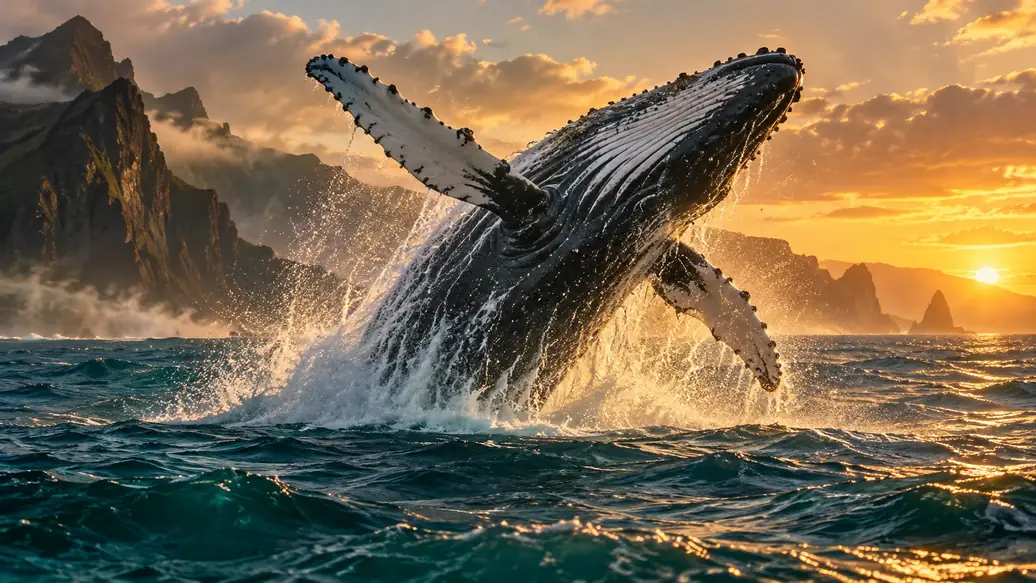
A humpback whale breaches beside volcanic cliffs at sunrise, then falls back into the ocean with a wide splash. Keep the whale in a wide, continuous tracking shot. Warm light catches the water droplets, dark cliffs frame the background and gentle waves move through the foreground. Realistic movement and natural ocean colors. No text or logos.
Create for the screen you have in mind
Keep resolution set to 4K
Choose from compatible models while the tool keeps your output resolution fixed.
Frame the details that matter
Describe the textures, lighting and subject movement. Choose an aspect ratio that fits your project.
Review the full take
Watch the result, check the movement and download the finished clip. Reuse the inputs to refine your next version.
Create a video with room for detail
- Step 1
Describe the scene
Write your prompt and add a starting image when the selected model supports it. Include the movement and visual details you want.
- Step 2
Set up your 4K take
Choose a supported model, aspect ratio and duration. Resolution is set to 4K; review the credit quote before generating.
- Step 3
Inspect and download
Watch the finished video beside the panel. Check its details, download it, or reuse the inputs for your next take.
4K video generator FAQ
Yes. This page keeps 4K selected and shows compatible model options. Use the general video tool if you want to choose another resolution.
Yes, when the selected 4K model supports a starting image. The tool shows the required uploads and supported settings.
4K describes the output resolution. Motion, fine detail and subject consistency still depend on the model, prompt and source material. Review the generated clip before use.
Your video appears beside the tool when it is ready. Sign in to browse Video History, open a task’s details or download a finished clip. Choose Reuse to restore its inputs for another take.
Generation uses credits. The panel shows the cost for your selected model and settings before you submit. Visit Pricing for current plans and credit packs.
Creations are public by default. Eligible paid accounts can turn off Public before generating. Check the setting before submitting.
A confirmed failed generation returns its reserved credits. An interrupted connection does not mean a task has failed. Check the task status before submitting again.
Files and results are kept for 10 days for free accounts and 180 days for eligible paid accounts, measured from upload or creation. Download what you want to keep before it expires.