Make a profile image your own
Start with a portrait or a written idea and explore a look that fits you.
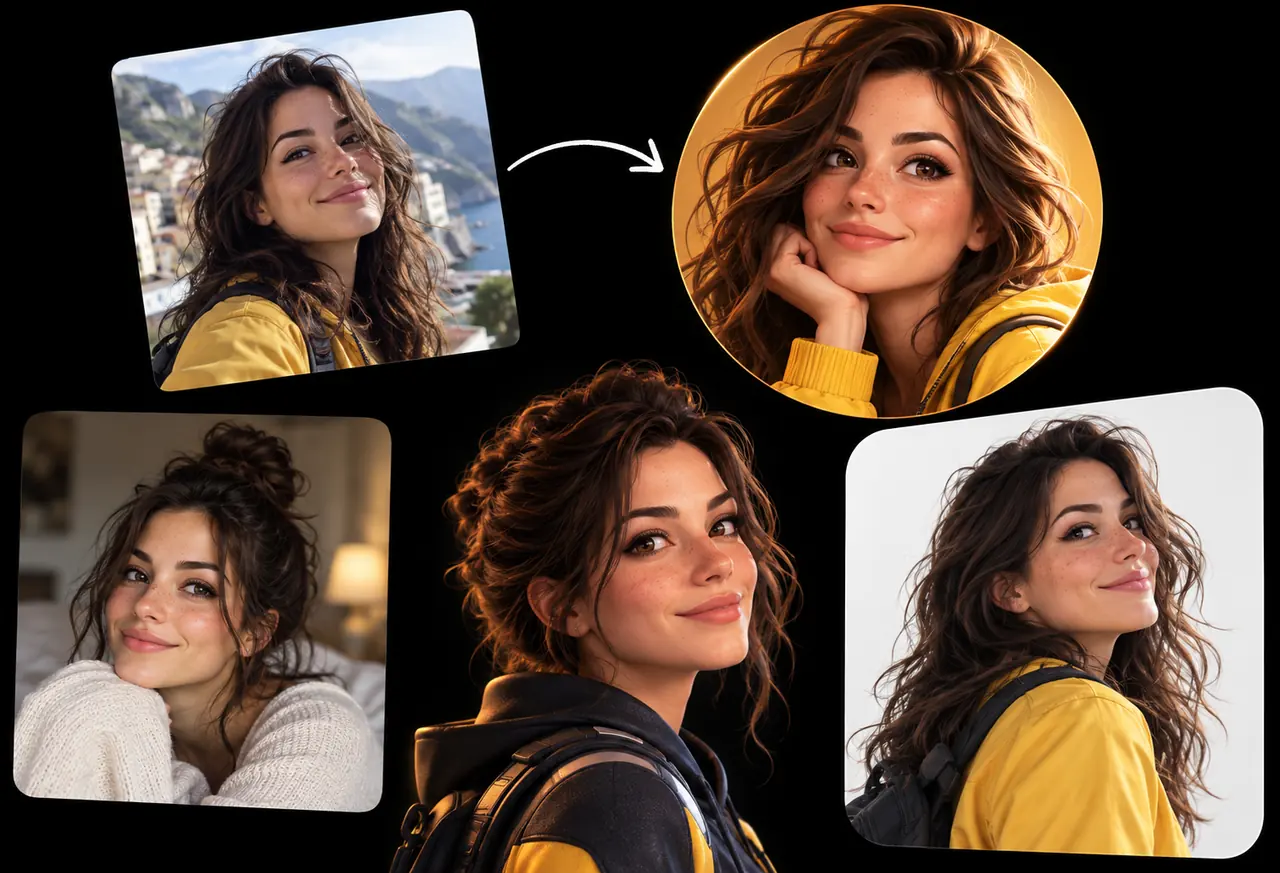
Turn the reference portrait into a polished 3D avatar in a yellow jacket. Keep the person’s facial features, hair and expression. Frame the head and shoulders against a simple warm background.
Creative illustration.
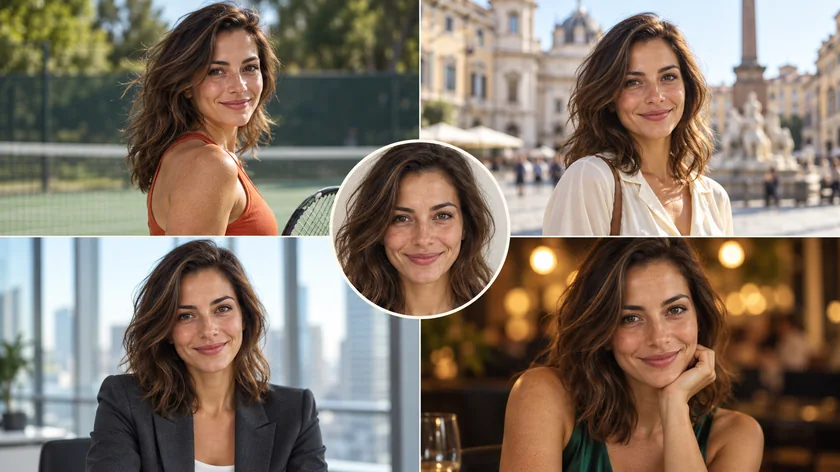
Find a look for the occasion
Start with your own face
Use a clear photo to guide the features and expression that matter to you.
Try another style
Explore an illustrated portrait, a professional look or a new setting through your prompt.
Keep developing the look
Review the face and framing, then reuse your inputs to refine another version.
From photo to profile
- Step 1
Add a photo or an idea
Upload a clear portrait, or describe an original character from scratch.
- Step 2
Choose your look
Describe the style, outfit and background, then check the settings and credits.
- Step 3
Pick your favorite
Review the face and details, then download the avatar or reuse your inputs.
Frequently asked questions
Yes. Start with a text description, or add a portrait to guide the person’s appearance. Photo uploads support JPEG, PNG and WebP up to 20 MB each, within the selected model’s limits.
A reference helps guide appearance, but facial features can change. Review each result and refine the photo or prompt when needed.
Describe the style, outfit and background in your prompt, or choose an example and select Use this prompt.
The number on the generate button is the credit cost for your current model, references and settings.
Generated images are public and exports include a watermark by default for free accounts. Eligible paid accounts can turn these off.
Reserved credits are returned when a task is confirmed to have failed. A browser timeout alone does not mean failure. See the Refund Policy for details.
The file retention period is 10 days for free accounts and 180 days for paid accounts. Download images you want to keep, and see the Privacy Policy for data handling details.