Create and combine with Nano Banana 2.1
Turn a prompt or a set of references into a new image.
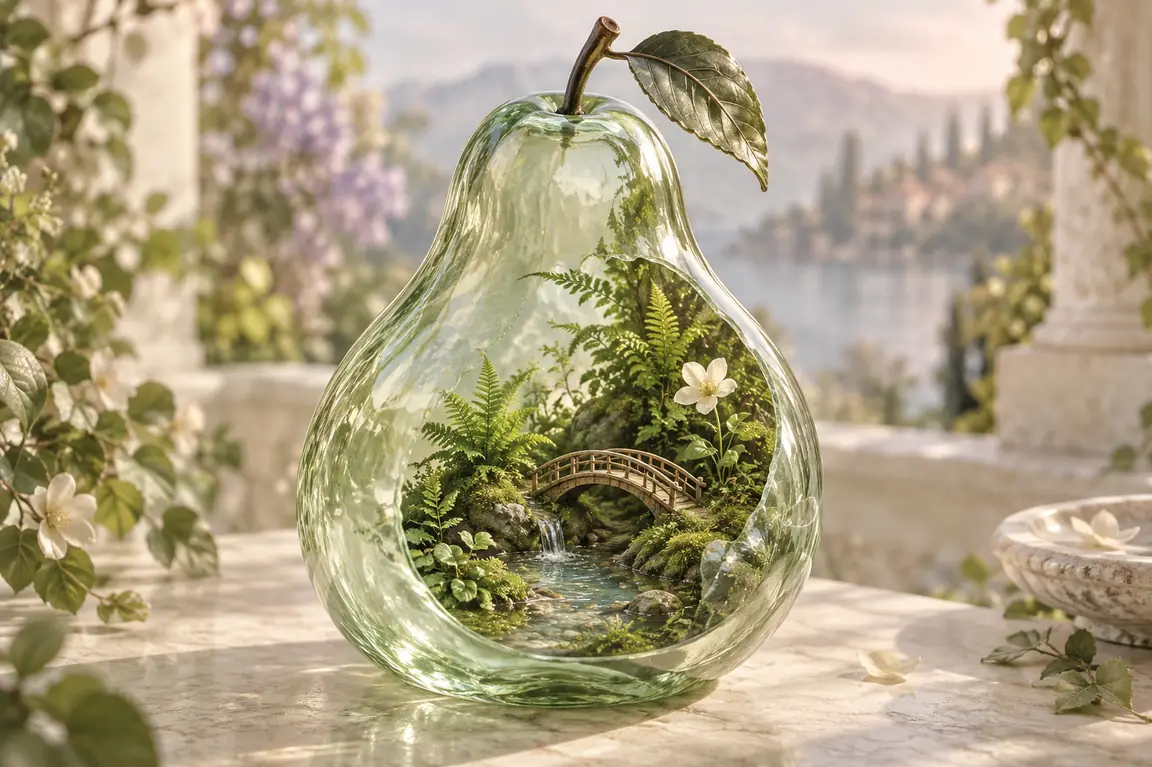
A translucent mint glass pear containing a miniature fern garden, a tiny curved bridge and a shallow pool. Rest it on an ivory stone table in soft morning light. Realistic glass refractions, delicate leaves and a calm sage palette.
Creative illustration.
Give references a new role
Bring images together
Combine subjects, backgrounds and styles, describing the role of each reference.
Make the details specific
Guide lighting, materials and layout with a clear brief and exact wording for any text.
Explore another version
Reuse your references and change the setting, framing or treatment.
From references to a new composition
- Step 1
Describe or add references
Write your idea or upload images and explain how they should work together.
- Step 2
Set the image options
Choose resolution and framing, check the credits and generate.
- Step 3
Review the result
Check subjects and text, then download the image or reuse the inputs.
Frequently asked questions
This page uses Nano Banana 2.1 for generation and editing, with 1K, 2K and 4K output.
You can add up to 14 JPEG, PNG or WebP images, up to 20 MB each. Explain which subject, style or setting each reference should guide.
References help guide the result, but details may change. Check faces, product features and spelling before using the image.
The number on the generate button is the credit cost for your current model, references and settings.
Generated images are public and exports include a watermark by default for free accounts. Eligible paid accounts can turn these off.
Reserved credits are returned when a task is confirmed to have failed. A browser timeout alone does not mean failure. See the Refund Policy for details.
The file retention period is 10 days for free accounts and 180 days for paid accounts. Download images you want to keep, and see the Privacy Policy for data handling details.