Turn a written idea into an image
Describe the scene you have in mind, choose an image model and generate a visual you can refine. Add references when the subject or style needs a starting point.
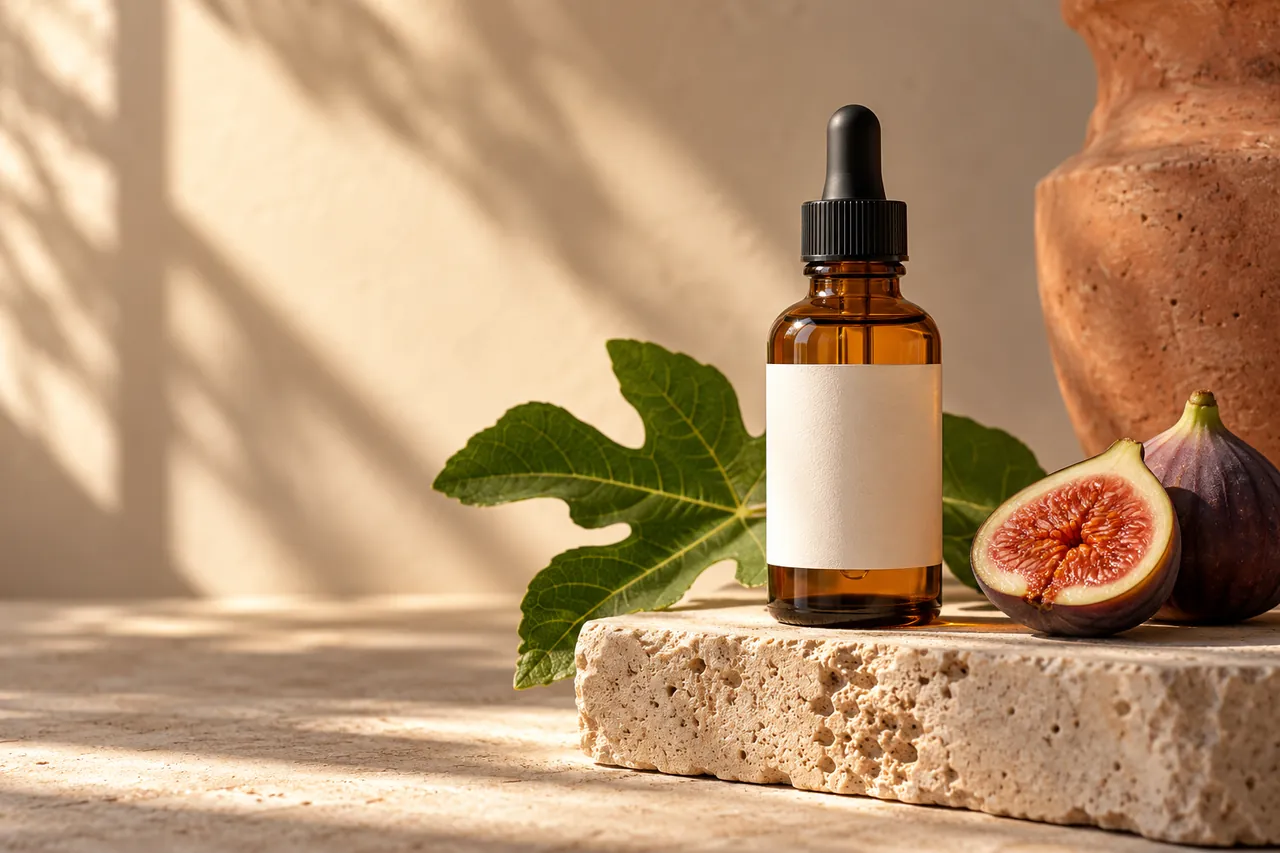
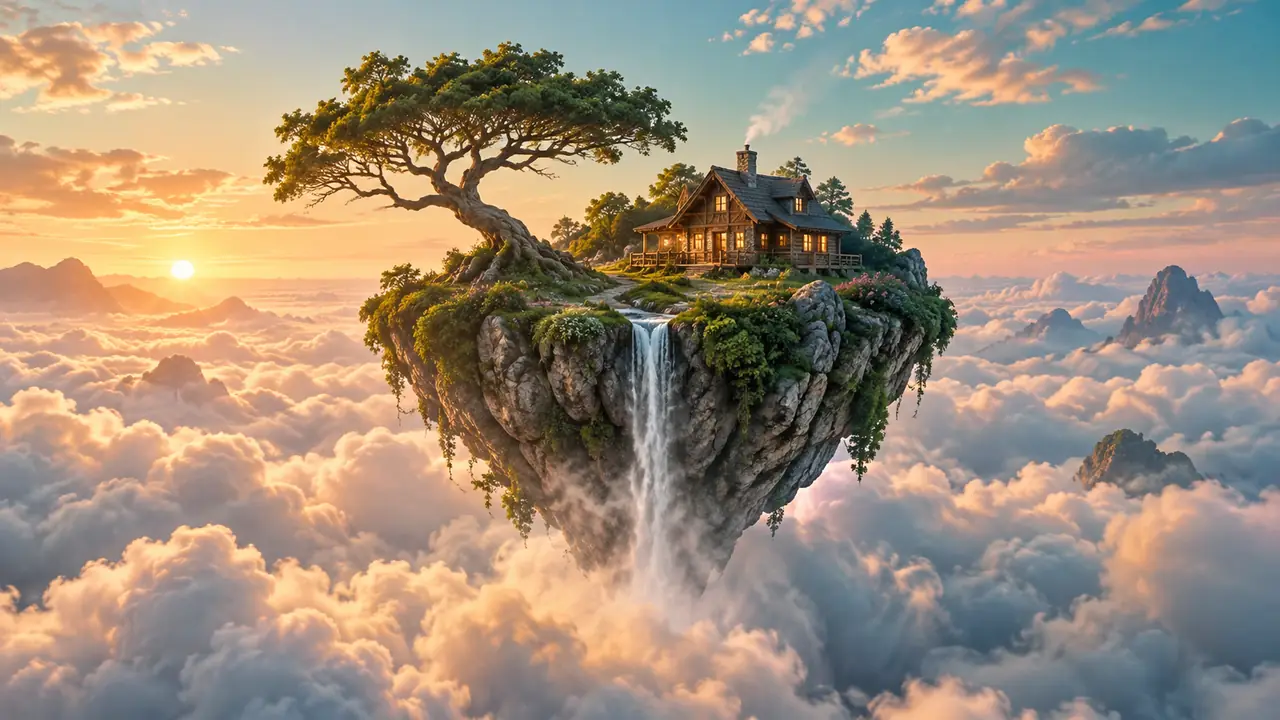
Creative illustrations. Results vary with the model and prompt.
An amber glass skincare bottle with a blank ivory label on pale travertine, a green fig leaf and a cut fig beside it. Warm morning light, soft architectural shadows, natural glass reflections, cream backdrop. Editorial product photography, with open space on the left.
More control over the next version
Give your brief a clear direction
Describe the subject, composition and style. Add references when the model supports them.
See the cost before you generate
Compare models and settings with an updated credit quote before committing to a generation.
Keep what works and refine the rest
Review a finished image, then reuse its prompt and references to explore a new version.
Create your next image in three steps
- Step 1
Describe your image
Write the subject, style and composition you want. Add reference images if you want to guide the result.
- Step 2
Choose your settings
Select a model, resolution and aspect ratio. Sign in and review the credit quote before generating.
- Step 3
Review and download
Open your finished creation, inspect the details, and download it or reuse the inputs for another version.
AI image generator FAQ
Yes. Start with a text prompt and choose an image model. You can also add reference images for editing or to guide a new composition.
Upload JPEG, PNG or WebP images, up to 20 MB each. The selected model determines the number of references and any additional input requirements.
Open a creation to inspect and download its images. Find earlier work in Image History and choose Reuse when you want to restore its prompt and references.
Generation uses credits. The panel shows the cost for your selected model and settings before you submit. Visit Pricing for current plans and credit packs.
Describe the subject, composition and style clearly. For edits, say what should change and what should remain. Check the output and reuse your inputs to try a more focused prompt.
Free creations are public by default and free exports include a watermark. Private creation and watermark controls require eligible paid access. Review Public before generating and the export options before downloading.
A confirmed failed generation returns its reserved credits. An interrupted connection does not mean a task has failed. Check the task status before submitting another generation.
Files and results are kept for 10 days for free accounts and 180 days for eligible paid accounts, measured from upload or creation. Download anything you want to keep before it expires.