Create and edit with GPT Image 2.5
Turn a brief into a product image, campaign concept or reference edit.
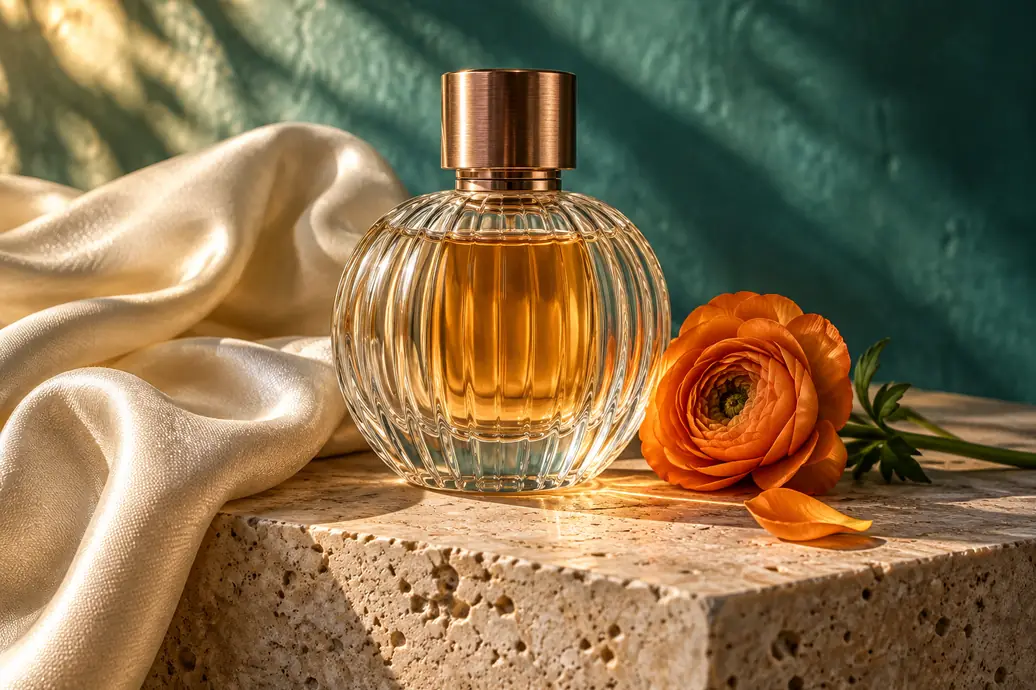
A ribbed glass perfume bottle with amber liquid and a copper cap on pale travertine, beside folded ivory silk and an orange flower. Warm sunlight, a softly blurred teal background, realistic glass and fabric detail.
Creative illustration.
Take the idea further
Choose your starting point
Use Flare for everyday drafts or Sunburst for more demanding image work.
Refine the details
Adjust quality, resolution and framing as the image takes shape.
Build on a reference
Guide a new setting, material or composition with images you already have.
From brief to finished image
- Step 1
Write your brief
Describe the subject, composition and style, with references when needed.
- Step 2
Choose your settings
Select Flare or Sunburst, quality and framing, then check the credits before generating.
- Step 3
Review and refine
Check details and text, then download the image or reuse the inputs for another version.
Frequently asked questions
Choose GPT Image 2.5 Flare or Sunburst, Low, Medium, High, Xhigh or Max quality, and 1K, 2K or 4K output. Available aspect ratios follow the selected model.
No. Start with a text prompt or add references for an edit. Uploads support JPEG, PNG and WebP up to 20 MB each, within the selected model’s image limit.
Not necessarily. Describe what should change and what should stay, then inspect the subject, layout and spelling in the finished image.
The number on the generate button is the credit cost for your current model, references and settings.
Generated images are public and exports include a watermark by default for free accounts. Eligible paid accounts can turn these off.
Reserved credits are returned when a task is confirmed to have failed. A browser timeout alone does not mean failure. See the Refund Policy for details.
The file retention period is 10 days for free accounts and 180 days for paid accounts. Download images you want to keep, and see the Privacy Policy for data handling details.