Hotel Lobby AI

Performers

Ratio

Resolution
Video count
Public visibility

15 seconds per video

Make your own Hotel Lobby AI rap video

Bring yourself and a friend into the orange studio with Hotel Lobby AI. Add a portrait for each performer, choose 768p or 2K, and create a 15 second rap duo video with both faces in the same scene. From a birthday group chat to a creator collaboration, Hotel Lobby AI lets the pairing supply the idea.

Style example. Choosing photos does not change this video.

What is the Hotel Lobby AI trend?

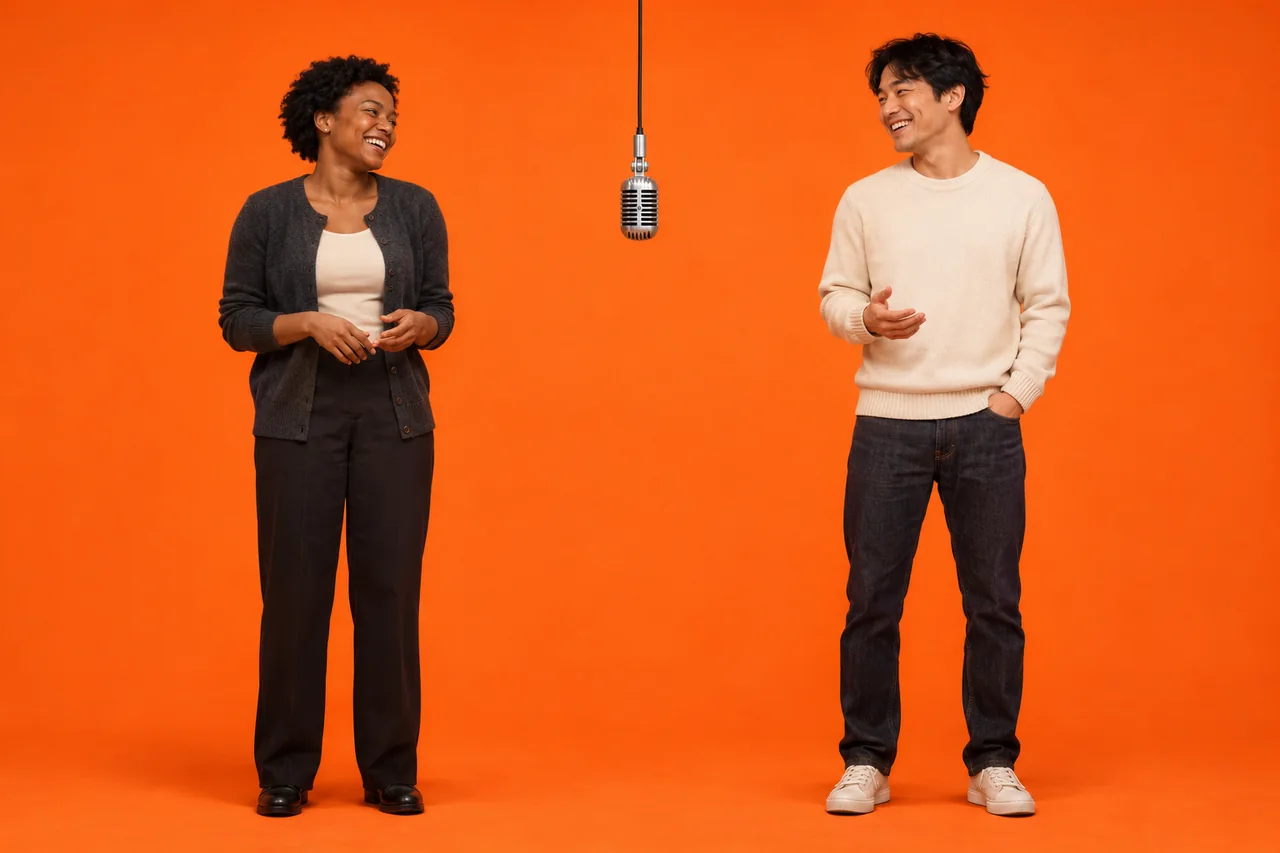
Hotel Lobby AI puts a pair of people into the recognizable rap setup of an orange studio and a single hanging microphone, with a performer on each side. The appeal is the casting: two familiar faces share the scene, whether they are close friends, a couple or collaborators whose different personalities make the reveal interesting. On Paevon, Hotel Lobby AI uses your two portraits to guide the performers in a prepared scene, so there is no performance prompt to write or reference clip to upload. Your result is a new 15 second landscape video to review, with facial details and movement that can vary between generations.

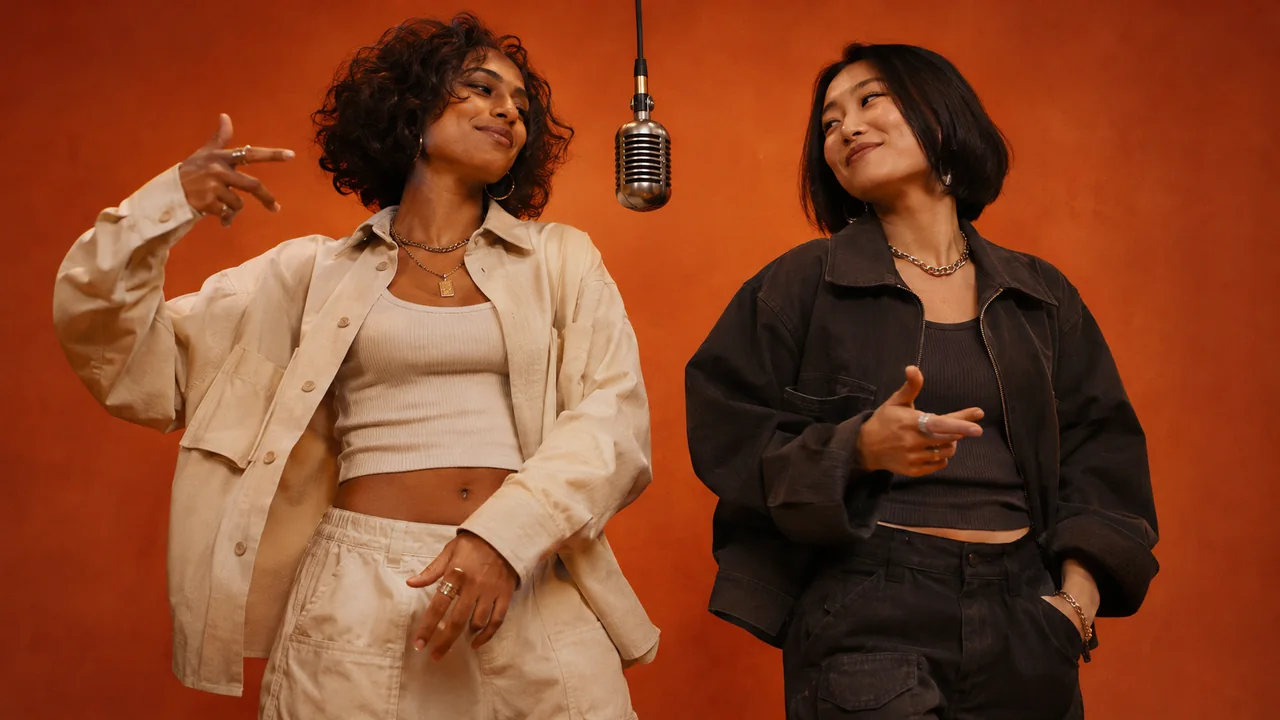
Two women sharing a hanging microphone in an orange recording studio
An illustration of the Hotel Lobby AI rap duo format.

How to make your Hotel Lobby AI video

Your Hotel Lobby AI video begins with two photos. These four steps take you from choosing the pair to reviewing a finished performance.

  1. Choose your two performers

    Choose two people who make an interesting duo and a clear individual portrait of each. Add the first photo to the left slot and the second to the right in Hotel Lobby AI. Preview the pair and replace or remove either image before generating.

  2. Check the roles and settings

    Confirm which person belongs on each side of the microphone. Choose 768p or 2K and one to four videos in Hotel Lobby AI, then check the credit total. Every clip is 15 seconds and 16:9; review public visibility for the audience you have in mind.

  3. Generate and follow the task

    Sign in and generate when your portraits and settings are ready. Hotel Lobby AI uploads the selected photos to your account and shows the task on this page. Follow its status here; if you selected several videos, each has its own task and result.

  4. Review, download and share

    Watch each Hotel Lobby AI result from start to finish. Check both faces, hands, framing and the exchange between performers, rather than judging only the opening frame. Finished clips also appear in Video History. Download the version that suits your idea, then add your caption or context before sharing.

Make the Hotel Lobby AI performance yours

Hotel Lobby AI gives you a prepared performance format with room for a personal casting choice. Focus on the people, the setting and the version you want to keep.

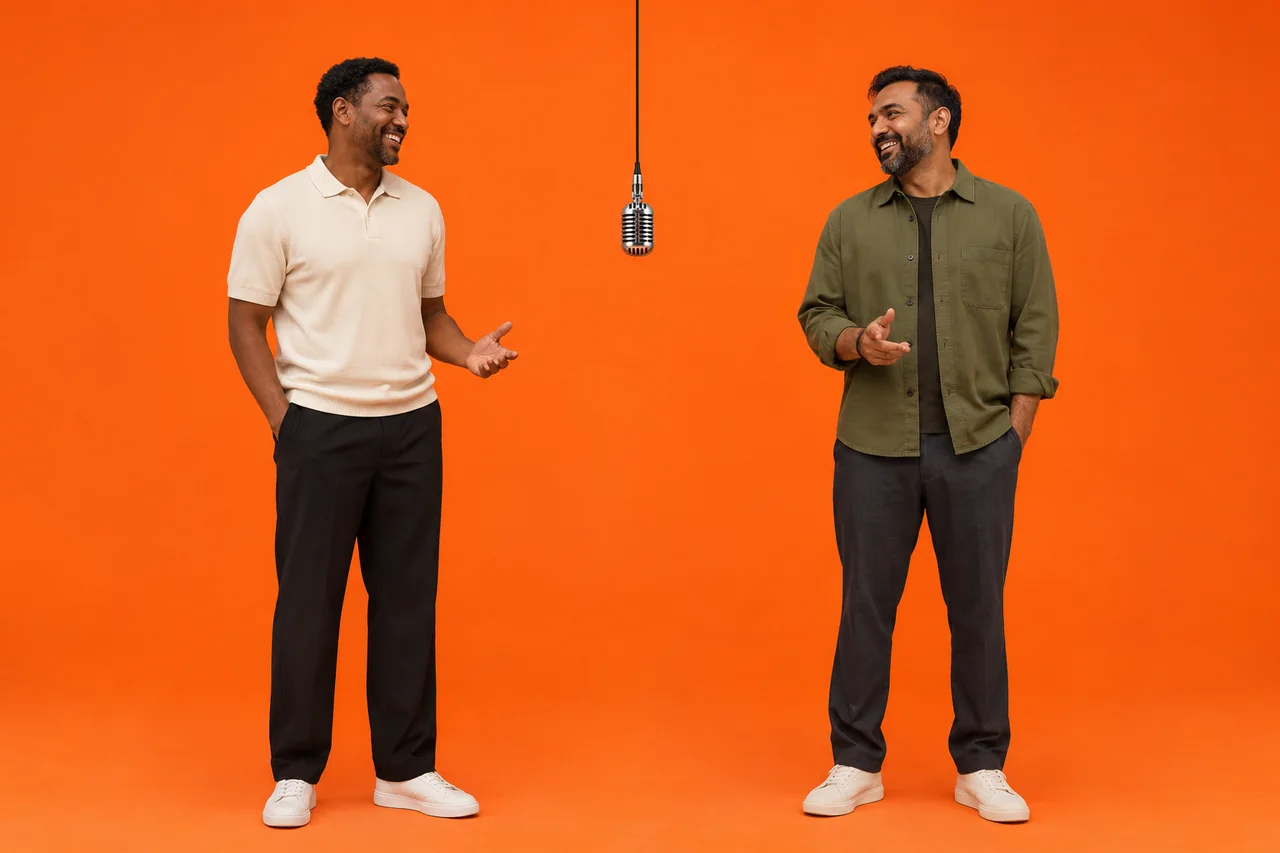
Two longtime friends standing on either side of a hanging microphone on a plain orange stage

Cast two familiar faces together

Separate photo slots let you choose each performer independently, even when you do not have a picture of them together. Hotel Lobby AI brings that pairing into one shared frame, where their expressions and body language can be read side by side. Pick a duo people will recognize immediately. With Hotel Lobby AI, the relationship between your two subjects can become the reason someone watches the whole clip.
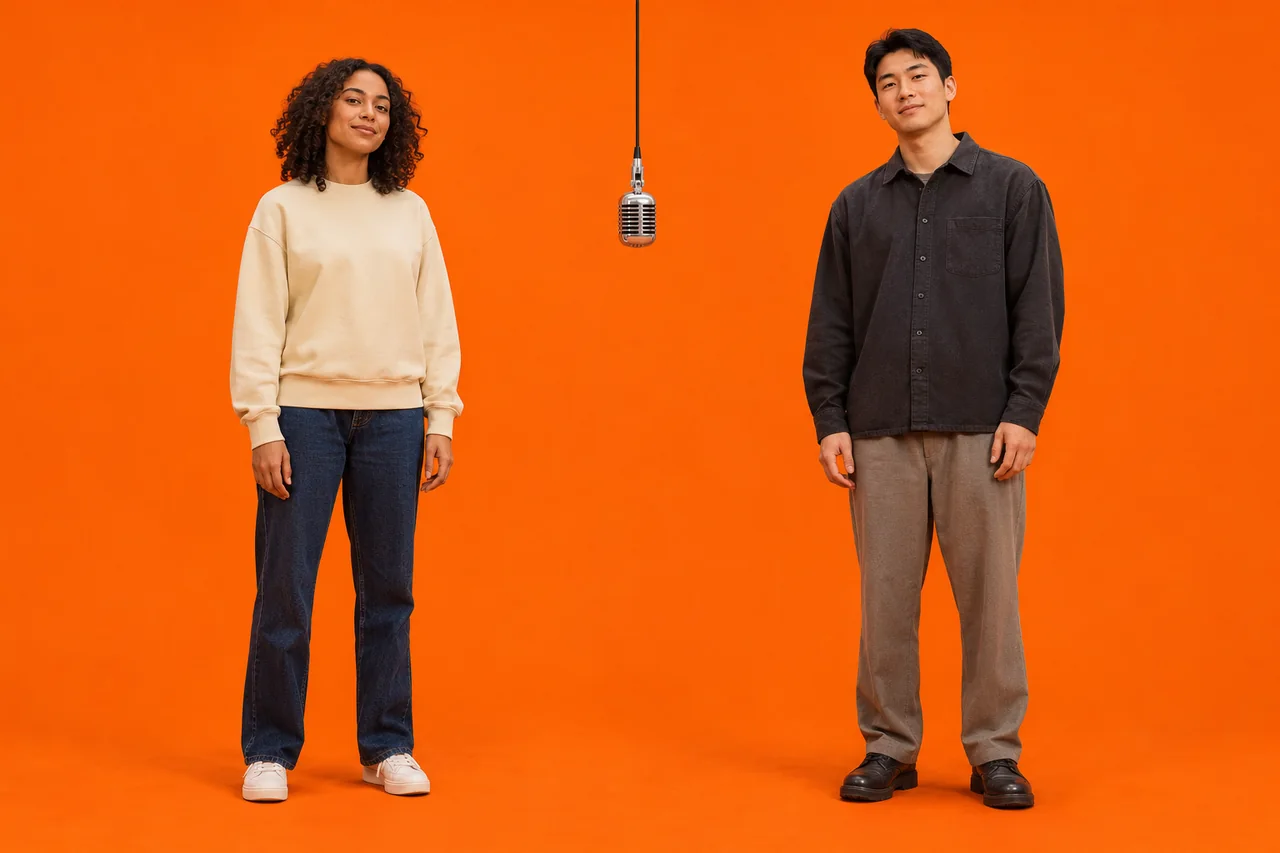
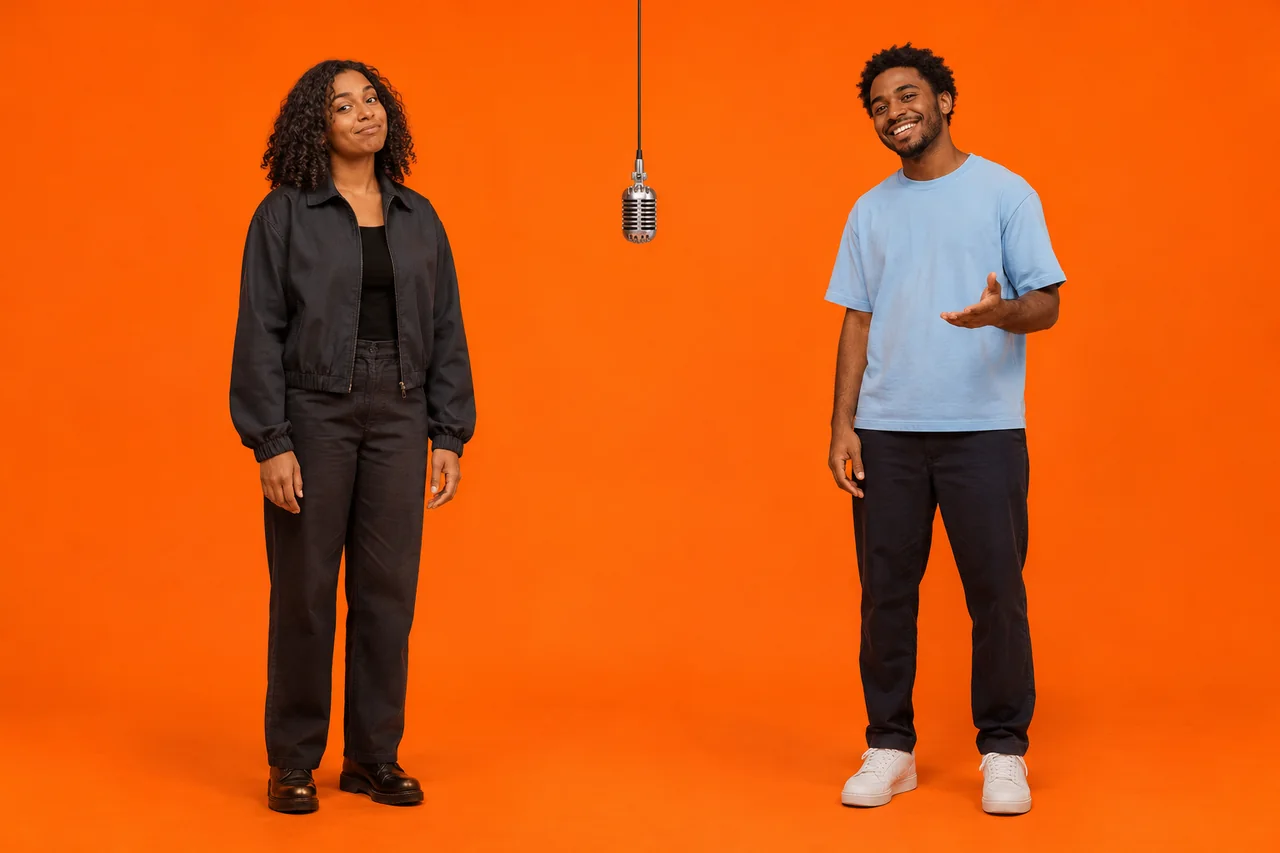
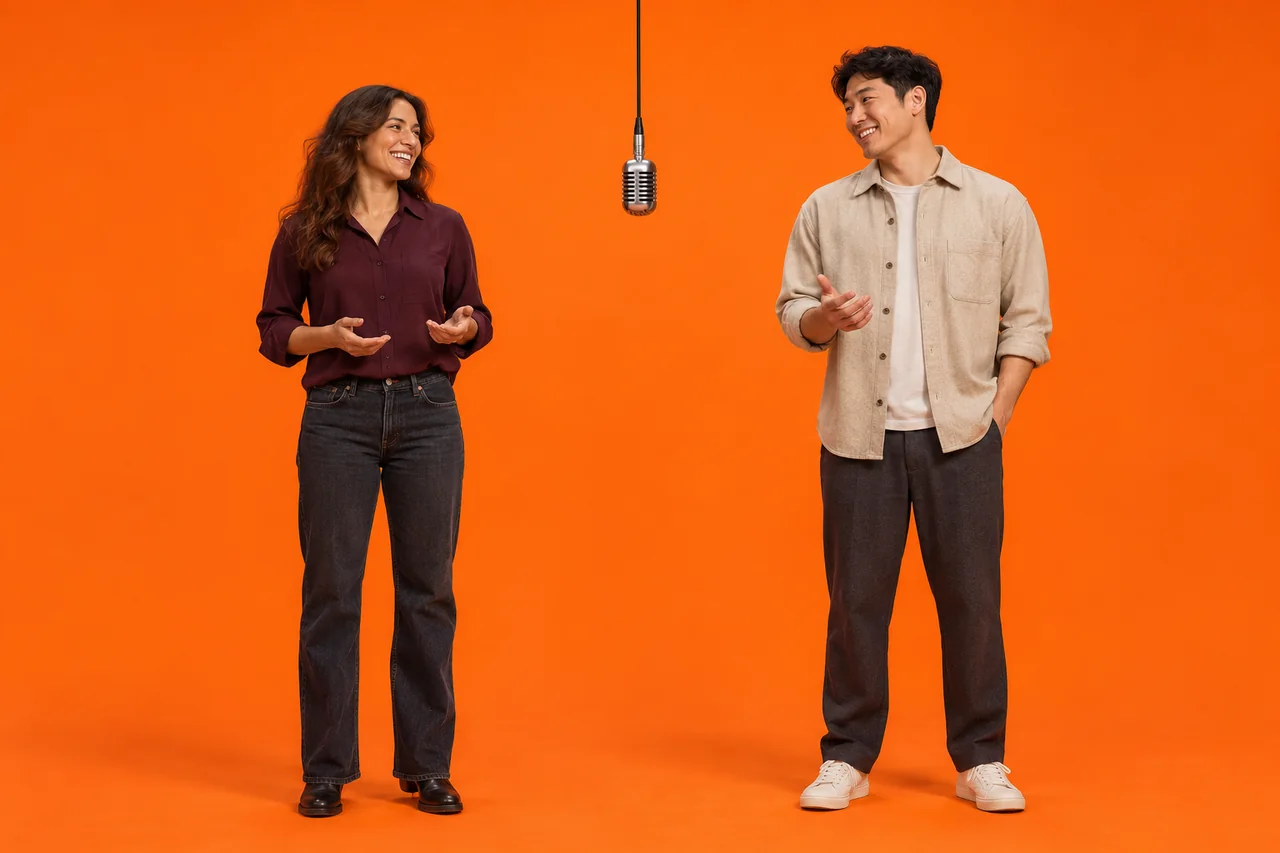
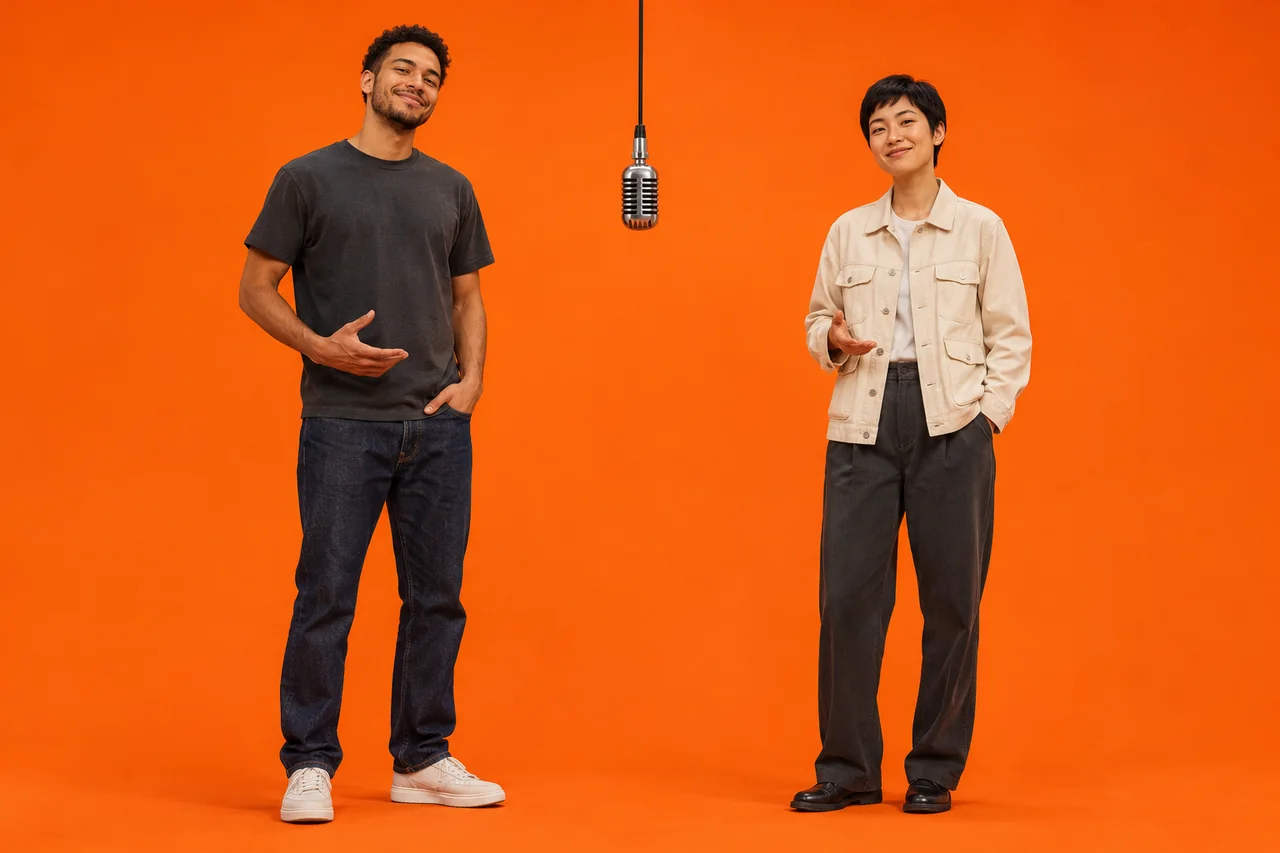
A woman and a man standing to the left and right of a central hanging microphone on an orange stage

Start with a prepared rap scene

The orange backdrop and suspended microphone make the format recognizable without extra scenery. Hotel Lobby AI supplies the scene and performance, so you do not need to film the duo, arrange a studio or write a movement prompt. The sample above shows the style before you begin. Your Hotel Lobby AI result is generated from your selected portraits; choosing photos does not turn that sample into a live preview.

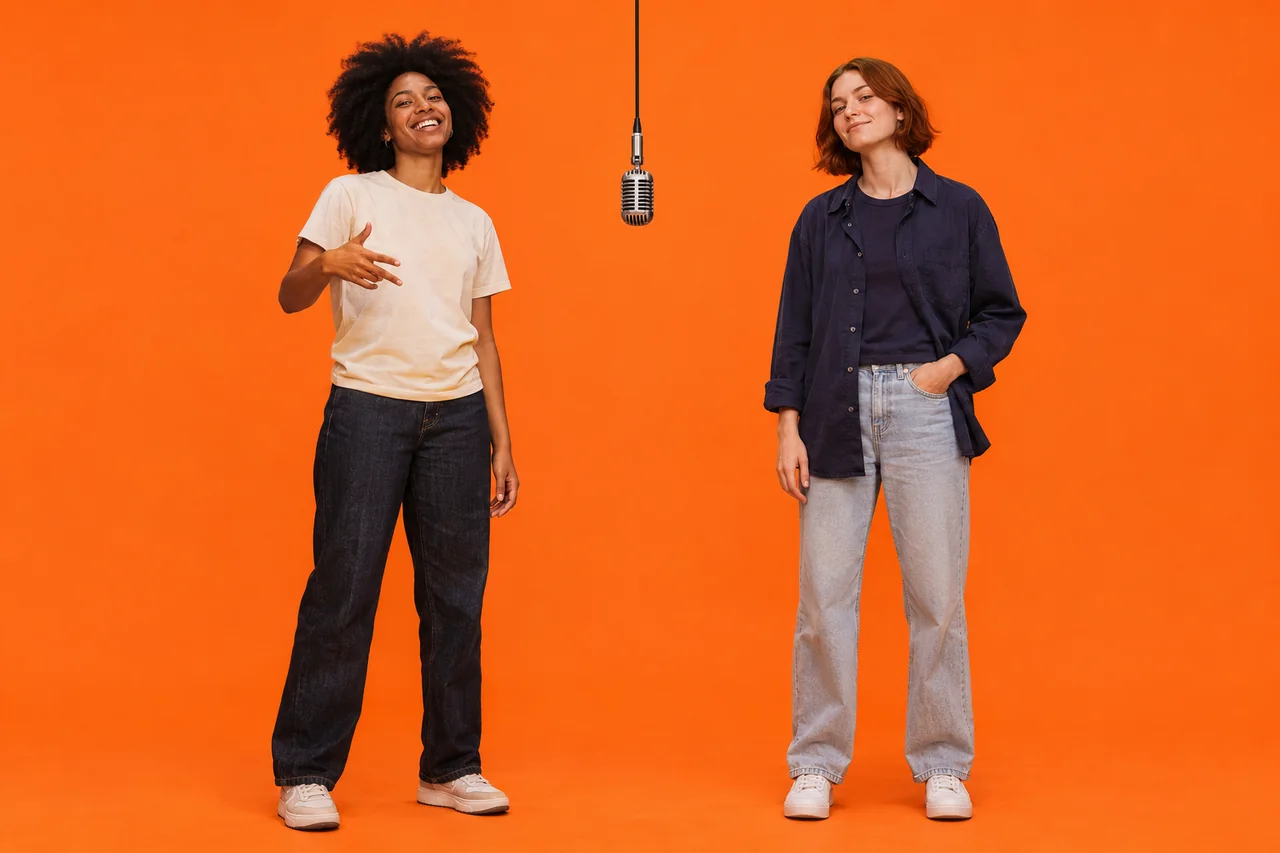
A reserved woman and an expressive man standing on either side of a central microphone against plain orange

Choose the version you want to make

Choose a resolution and video count to match your plan for the clip. Hotel Lobby AI offers 768p and 2K, with one to four videos per submission and a credit total you can check beforehand. A higher resolution changes the output setting, while identity and motion still need review. If you make several Hotel Lobby AI videos, compare the performances and keep the take that suits the reveal.

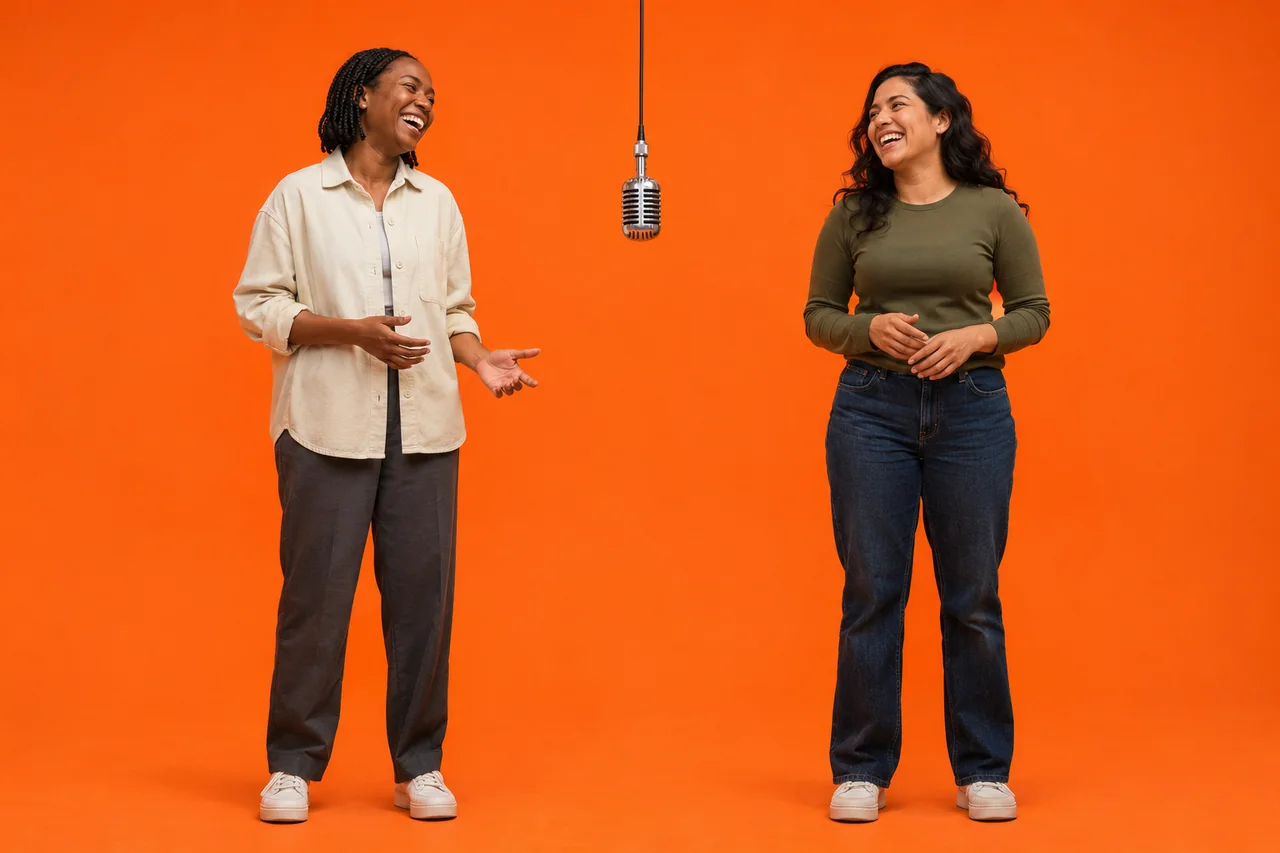
Two smiling friends standing on opposite sides of a hanging microphone on a bare orange stage

Review and download in one place

Hotel Lobby AI keeps the generation task, finished video and download on the same page. Video History gives you another way to find previous results, while explicit Reuse lets you return to a pair and its settings for a new attempt. The 15 second landscape frame leaves room for both performers. Review your Hotel Lobby AI clip in full, then decide which audience and caption fit the moment.

Choose clear photos for Hotel Lobby AI

Give Hotel Lobby AI a clear starting point for each performer. Check these four details in both photos before spending credits on a generation.

  • Keep one person in each photo

    Use one obvious subject per image, with enough of their face visible to recognize them. Give each Hotel Lobby AI performer a separate portrait and avoid group photos or overlapping faces.

  • Look for even light and visible features

    Avoid heavy blur, deep shadows and objects covering important features. Even lighting makes your source easier to assess. A clear photo helps prepare a Hotel Lobby AI video, but results can still vary.

  • Compare the pair before generating

    Choose portraits that make both people easy to recognize. Compare the Hotel Lobby AI previews, and replace a weak image before generating if one face is tiny, obscured or difficult to read.

  • Check the slots and file format

    Check the left and right Hotel Lobby AI slots before generating. Each accepts one JPEG, PNG or WebP image up to 20 MB. Use photos you have permission to use.

Ideas for your next Hotel Lobby AI duo

The best starting point for Hotel Lobby AI is a pairing with a story behind it. These four ideas give your video a reason to exist beyond joining the trend.

  • Two women with contrasting expressions standing either side of a hanging microphone against plain orange

    Friends and group chats

    Choose the two friends whose personalities everyone in the group already knows: the quiet one and the storyteller, or a pair who finish each other's sentences. Hotel Lobby AI gives that contrast a shared stage. Use a caption about an inside joke, then let the group enjoy recognizing the duo in a different setting.

  • A couple exchanging playful smiles while standing either side of a central microphone on an orange stage

    Couples

    Make a playful performance with your partner for an anniversary message or an ordinary evening together. Pick portraits that make both people easy to recognize, then use Hotel Lobby AI to cast the pair. A caption about your shared habits, music tastes or first meeting can give the finished clip a personal meaning without changing the prepared scene.

  • Two women laughing while standing on either side of a hanging microphone on a plain orange stage

    Birthdays

    Pair the birthday person with a friend who belongs in the story you want to tell. A Hotel Lobby AI video can become one part of a greeting, with your own message explaining the memory or joke. Review the result before sending it, and choose a sharing setting that suits the occasion and the people appearing.

  • Two creators standing on the left and right of a hanging microphone on a bare orange stage

    Creator collaborations

    Introduce two collaborators before a joint stream, release or project. Hotel Lobby AI can give followers a visual way to recognize the pairing, while your caption explains what you are making together. Start with portraits your audience associates with each creator, then check both likenesses and the full performance before including the clip in your post.

Hotel Lobby AI formats and credits

Choose your Hotel Lobby AI resolution before submitting. The table shows the credits for one video; the generation button shows the total for your selected quantity.

ResolutionCredits per video
768p3,000 credits
2K5,000 credits

Every video is 15 seconds in a 16:9 landscape frame. Select one to four videos per submission; each is generated as its own task.

Hotel Lobby AI starts with public visibility enabled. Private generation requires paid access, so check your account access and the visibility setting before generating.

Credits are reserved when a task is accepted and returned if that generation fails. Each selected video has its own credit charge and task status.

View plans and credits

Hotel Lobby AI questions

Who will share your Hotel Lobby AI stage?

Choose two people whose pairing tells a story, then bring them into Hotel Lobby AI. Start with clear portraits, check the settings and credit total, and make a duo video you can watch, download and share with your chosen audience.